If you would like to proactively reset your password ahead of the expiration, below are the steps to do so.
Password Reset from Windows Desktop
Use this method when you know your password and are already logged into your Windows account.
1. Press Ctrl+Alt+Del on your keyboard at the same time
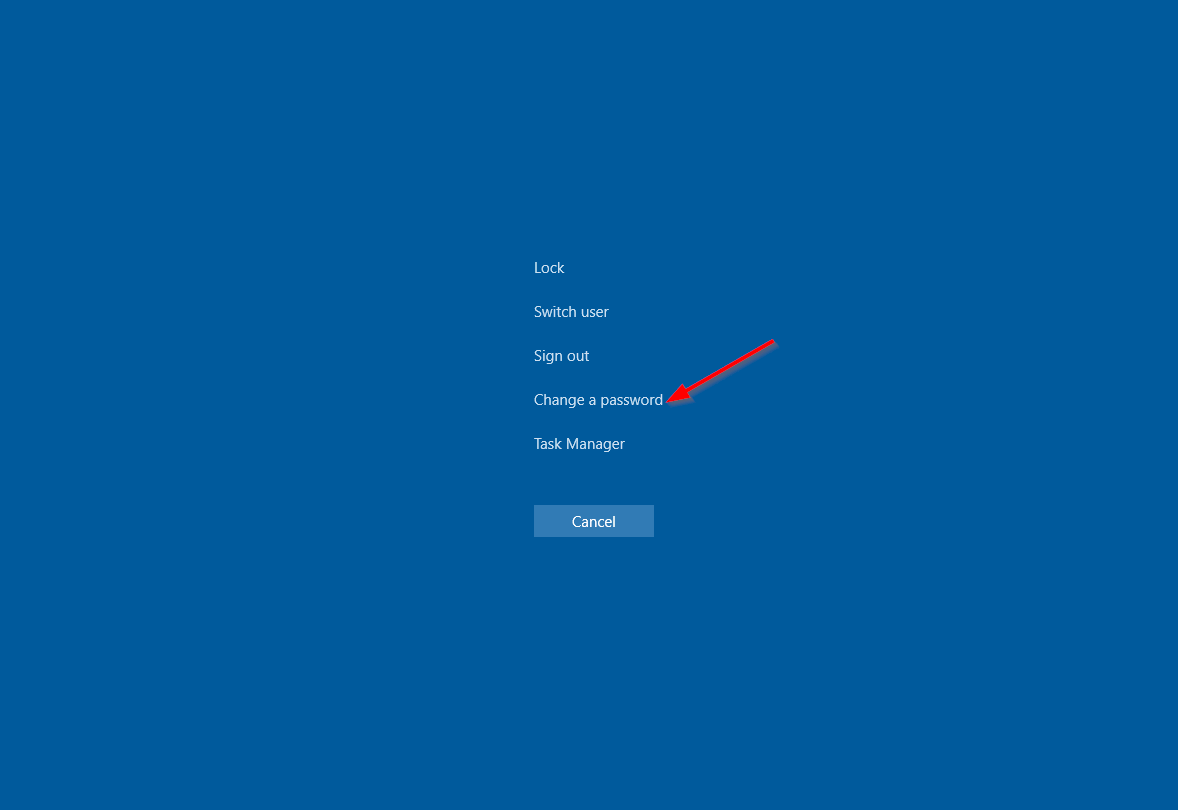
2. Click on the "Change a password" button in the screen that pops up
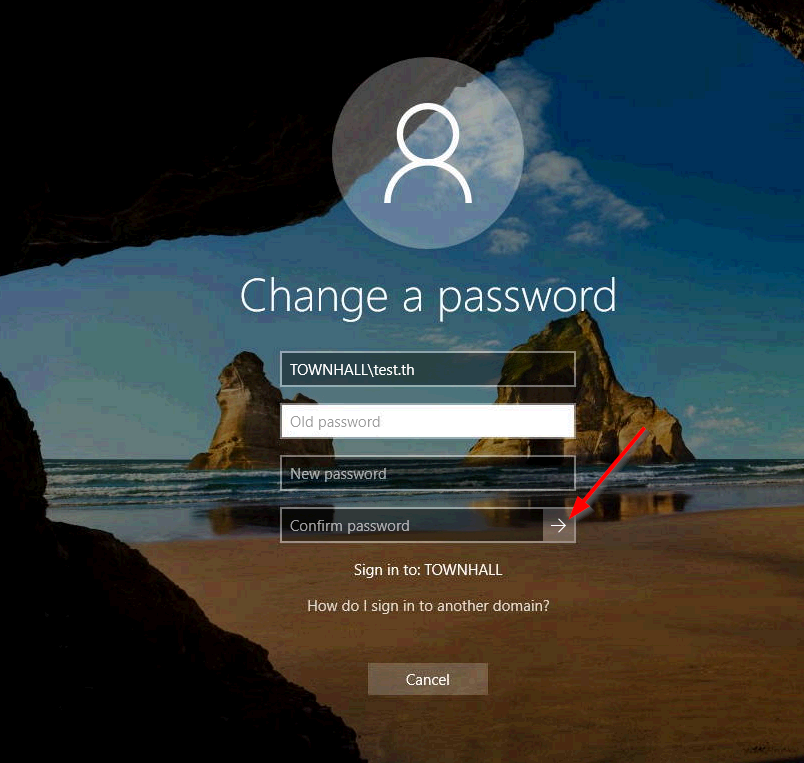
3. In the "Old password" box, enter your current password. In the "New password" and "Confirm password" boxes, enter what you would like your new password to be then click on the arrow or press the "Enter" key. Keep in mind it must meet certain length and complexity requirements.
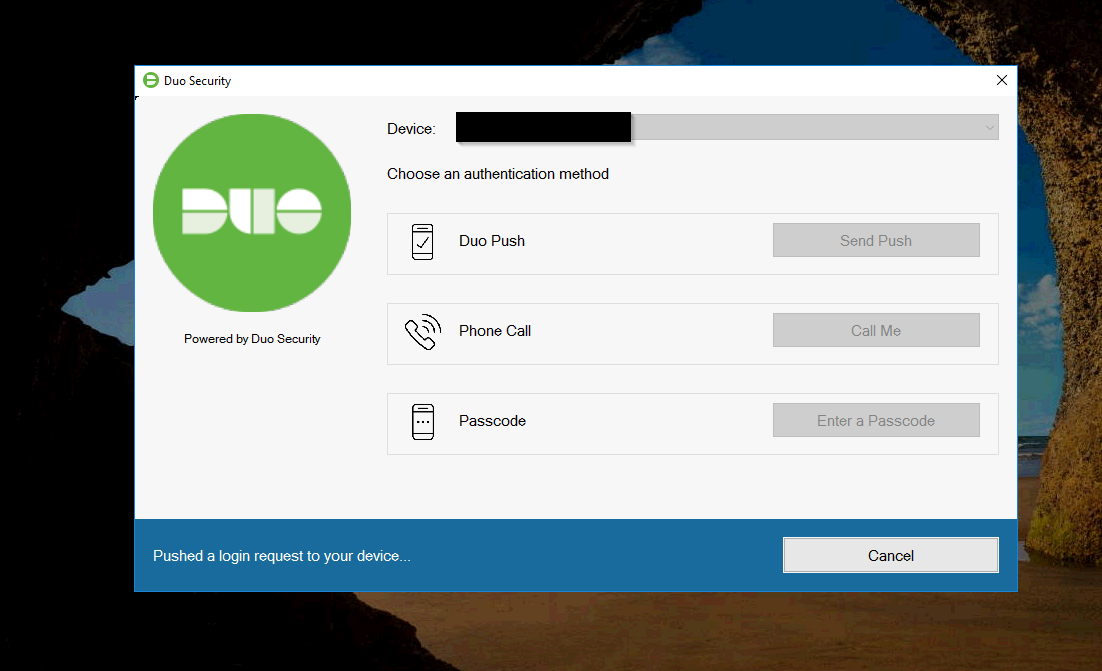
4. If you use the Duo Mobile app, you will be sent a Duo Push which must be approved to reset your password. If you use a Duo Token, you will be asked to enter the 6-digit code similarly to how you normally log into your computer.
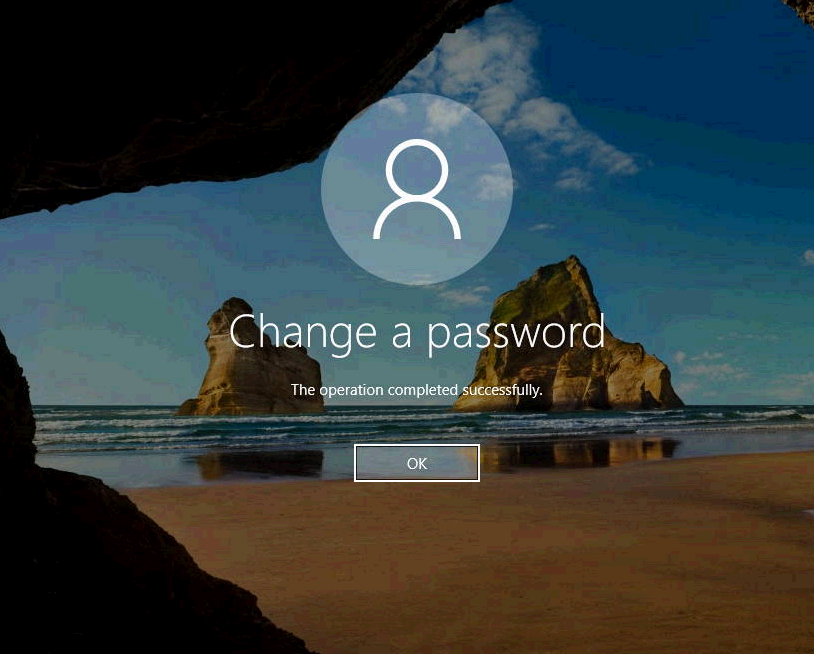
5. After verifying your account with your MFA method you will have successfully reset your password. Press "OK" on the next screen to return to your desktop.